
How to Set Up Two-Factor Authentication (2FA) on WEEX Exchange

 Prefer us on Google
To boost your account’s security, activating Two-Factor Authentication (2FA) on WEEX is crucial. This extra safeguard ensures only you can access your account, offering added protection for transactions and withdrawals.
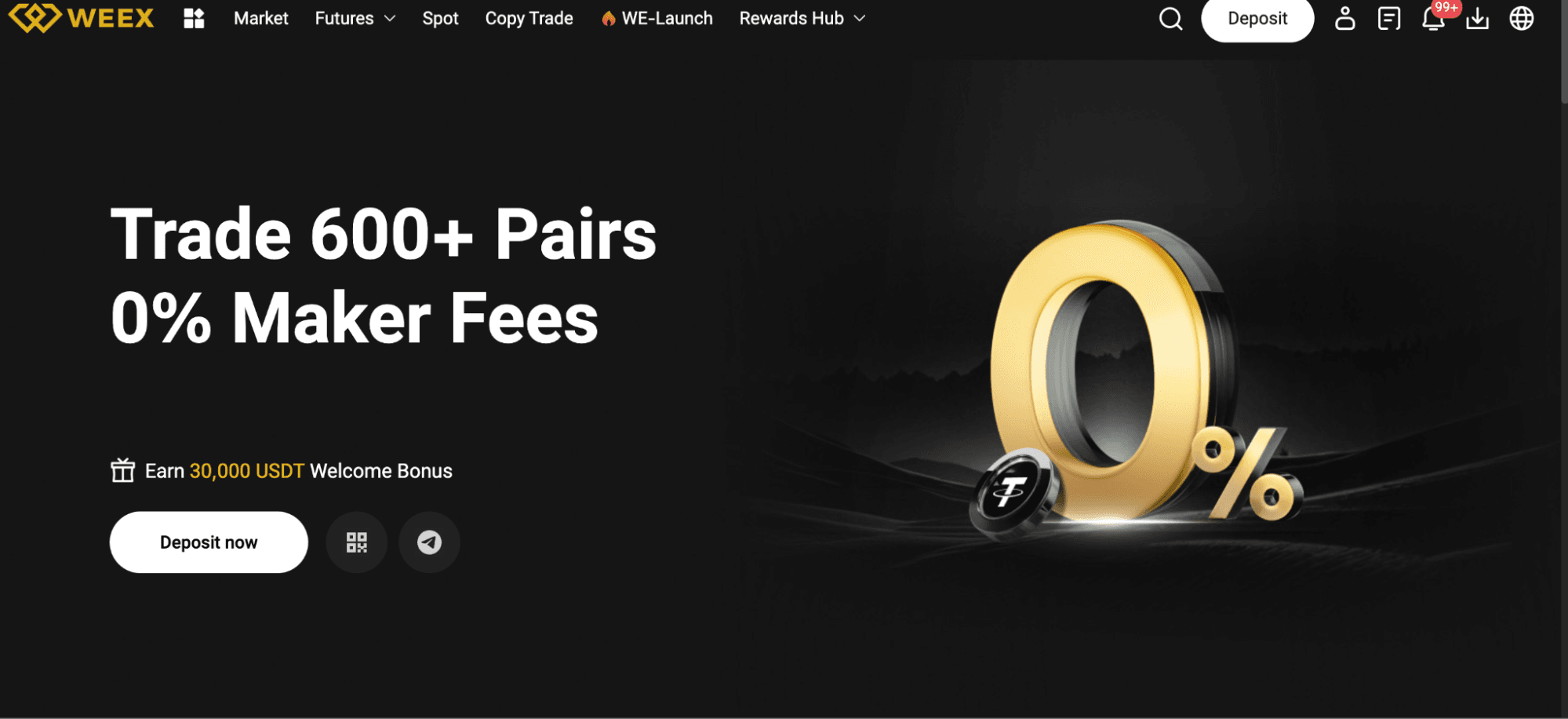
Why 2FA Matters on WEEX
2FA provides an additional security layer by requiring a code from your mobile device (via an authenticator app like Google Authenticator or Authy) alongside your password. It blocks unauthorized access, even if someone obtains your password.
Guide to Enabling 2FA on WEEX
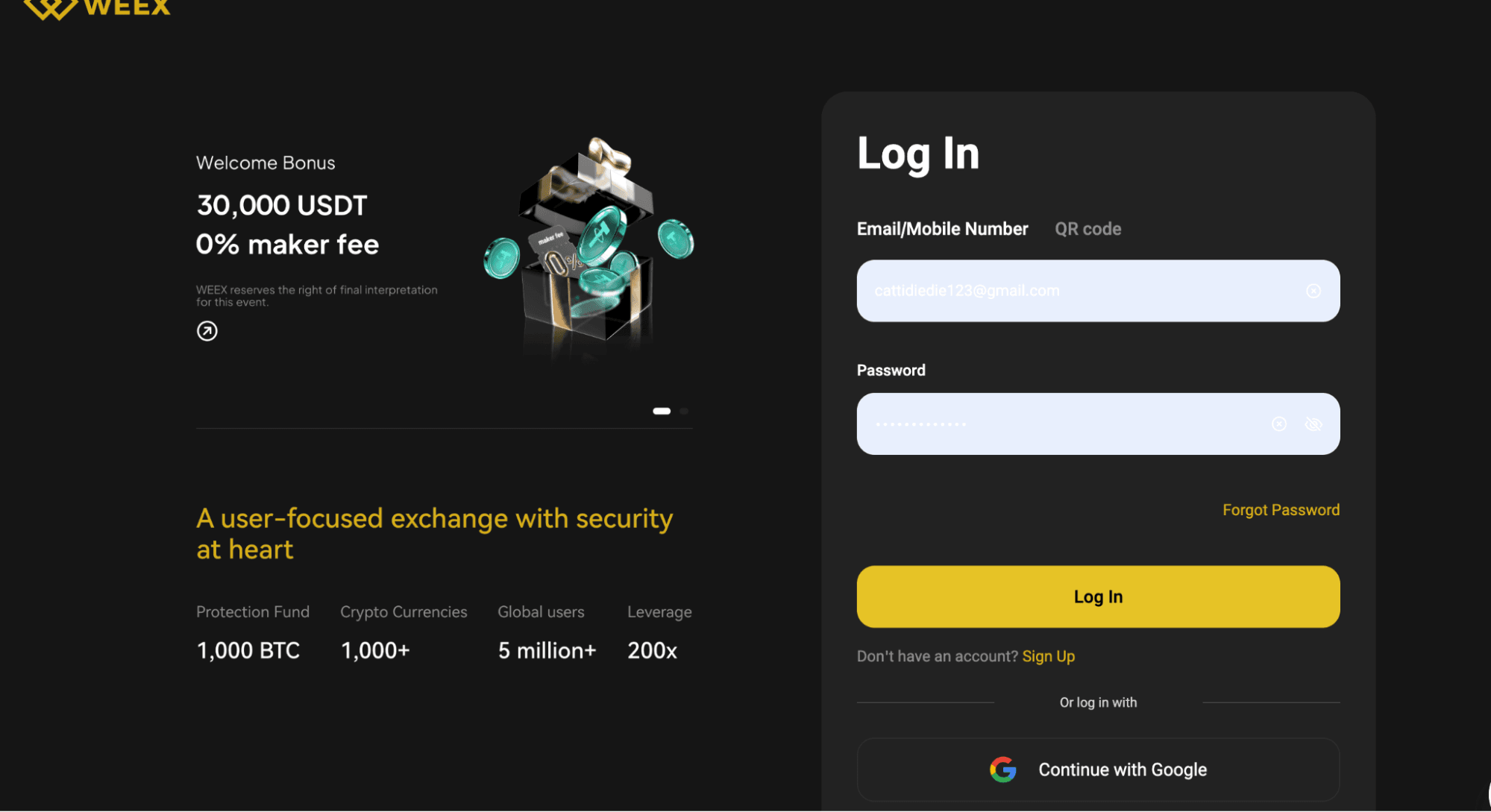
Step 1: Sign Into Your WEEX Account
Go to the official WEEX Exchange website and log in with your credentials. Always verify you’re on the legitimate site to avoid phishing risks.
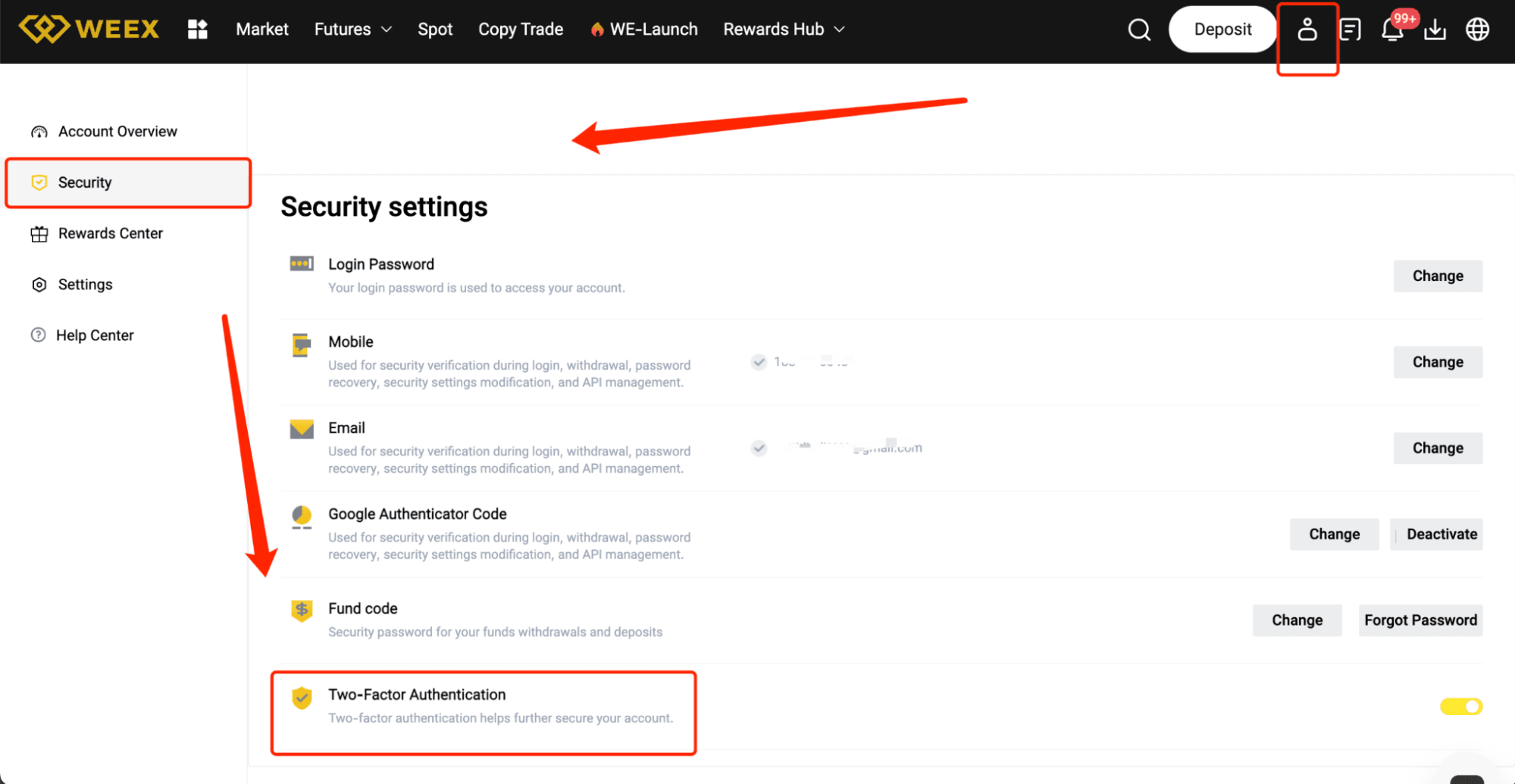
Step 2: Go to Account Settings
After logging in, click your profile picture or username in the top-right corner to access settings. Choose “Security Settings” or “2FA Settings” from the menu.
Step 3: Select Your 2FA Option
You’ll see various 2FA activation methods. The most popular is using an authenticator app. Select “Enable 2FA via App” (e.g., Google Authenticator or Authy).
Step 4: Scan the QR Code
Open your authenticator app and tap “Add Account” or “Scan QR Code.” Scan the QR code shown on the WEEX website to connect your account to the app.
Step 5: Input the Verification Code
After scanning, your authenticator app will display a 6-digit code. Enter this code on the WEEX website to confirm and finalize the setup.
Step 6: Save Backup Codes
Once 2FA is set up, WEEX will provide backup codes. Write them down and keep them in a safe place, as they allow account access if you lose your authenticator app.
Step 7: Verify and Activate
Review all details, then click “Confirm” or “Activate.” Your 2FA will now be active, enhancing your account’s security.
Tips for a Seamless 2FA Setup
Choose a trusted authenticator app like Google Authenticator or Authy.
Store your backup codes securely in case your device is inaccessible.
Protect your mobile device with a strong PIN or password.
Never share your 2FA codes with anyone—they’re for your safety.
-- Price
Advantages of 2FA on WEEX
Stronger Security
Safeguard your account from unauthorized access with an extra verification step.
Increased Confidence
Demonstrate your commitment to security, building trust in your account activities.
Protected Trading
With 2FA active, your trades and withdrawals are shielded from unauthorized actions.
Conclusion
Activating 2FA on WEEX is a quick and effective way to secure your account and funds. By following these steps, you’ll add a vital layer of protection to your trading experience. Enable 2FA today for greater peace of mind!
This content is provided for general informational purposes only and doesn't constitute financial, investment, legal, or tax advice. Any events, rewards, online promotions, or related information mentioned herein should not be considered a recommendation, solicitation, or invitation to purchase, sell, trade, or otherwise deal in any crypto assets. Crypto assets are highly volatile and may result in loss. The availability of WEEX services, products, and related events may vary by region. You are responsible for ensuring that your participation is in accordance with applicable local laws and regulations.
You may also like
How to Trade Microsoft (MSFT) Stock Token with USDT on WEEX
How to Trade Apple (AAPL) Stock Token with USDT on WEEX
Crypto Futures Trading Explained: Leverage, Funding, Liquidation
Crypto Futures Trading: Leverage, Funding and Apple Perps
Donald Trump Oil Stock Investments: 9 Names, 6 Tradable Now

AVAV Stock Futures: How to Trade AeroVironment With Leverage
What Is 4STOCK? BNB Chain’s Stock Meme Trend Explained

Hunter Biden's Laptop Token Is Now Live on Base: Watch Out for Copycat Tokens
How to Trade Tesla (TSLA) Stock Token with USDT on WEEX: A Trading Guide for Beginers in 2026

SPCX Stock Gets a $220 Price Target: Why It All Comes Down to Starship's Reusability
Is VVV a Good Investment After Today's 40% Surge? What's Actually Driving It
SPCX Stock Price Rose on Lock Up Day: Why More Supply Didn't Mean Lower Prices
How to Trade NVIDIA (NVDA) Stock Token with USDT on WEEX
NVDA Stock Sits Near Its High While Rivals Are Down 18-32%: What Explains the Gap
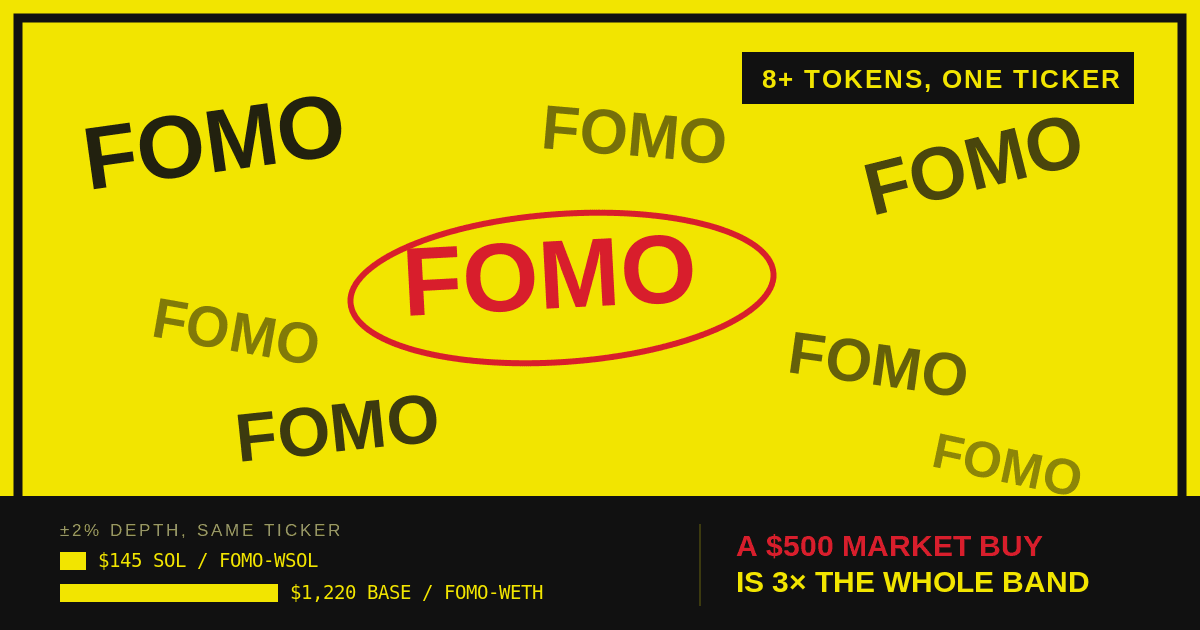
FOMO Token: Which One You're Actually Buying and the Risks
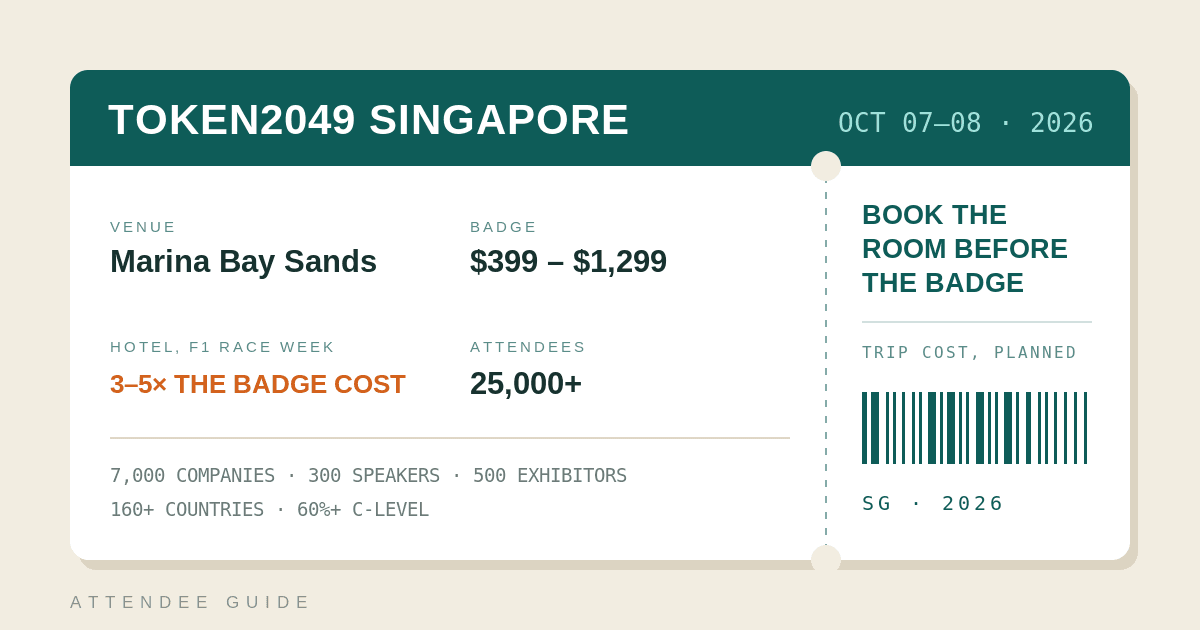
TOKEN2049 Singapore 2026: A Practical Guide for Attendees
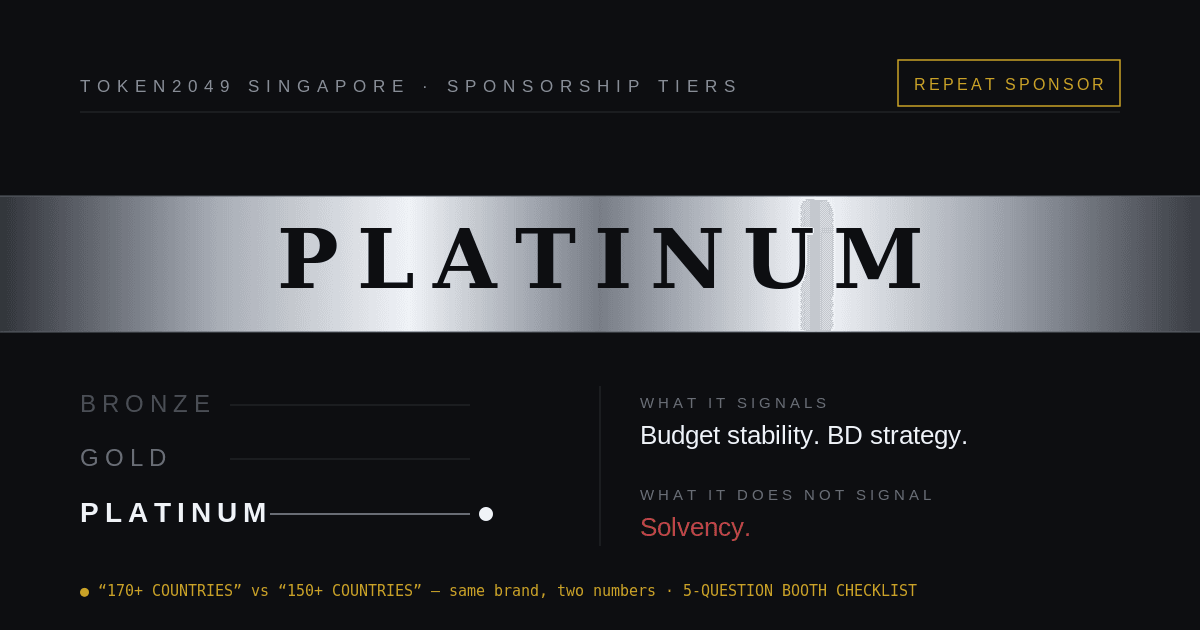
WEEX Returns to TOKEN2049 Singapore 2026 as Platinum Sponsor
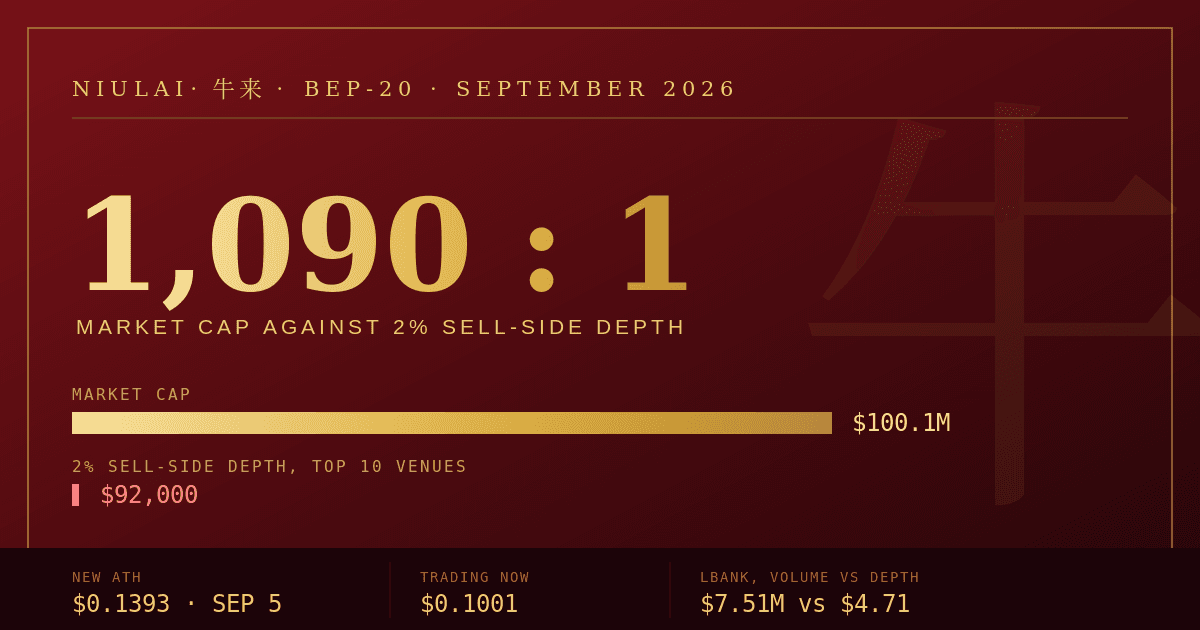
Niulai Price Prediction: A $100M Market Cap on $92K of Depth
WEEX AI Trading Tools Explained Ahead of TOKEN2049 Singapore
Does Former President Biden Have Ties to $LAPTOP? Is the Coin Legit?

Who Is Hunter Biden? The Story Behind His New $LAPTOP Crypto Coin
What Is ZCAT and Is It Worth Buying? Anonymous Cat (ZCAT) Guide for 2026

SK Hynix Stock Jumps as OpenAI's New Model Revives the Memory Chip Trade
AMD Stock: Why Cathie Wood Keeps Selling While Analysts Stay Bullish
MU Stock Reclaims $1,000 Again: What's Actually Different This Time
Hunter Biden's LAPTOP Memecoin: What TRUMP's Trajectory Suggests Could Happen Next
XST Coin Price Fell Over 40% for Two Straight Days: What That Pattern Actually Means
Is The US Becoming The Crypto Capital? Brad Garlinghouse's Bold Predictions Explained
Is the US Stock Market Open Today? Hours and 2026 Holidays
Nike S&P 100 Exit: What the Removal Means for NKE Holders
How to Trade Microsoft (MSFT) Stock Token with USDT on WEEX
How to Trade Apple (AAPL) Stock Token with USDT on WEEX
Crypto Futures Trading Explained: Leverage, Funding, Liquidation
Crypto Futures Trading: Leverage, Funding and Apple Perps
Donald Trump Oil Stock Investments: 9 Names, 6 Tradable Now
AVAV Stock Futures: How to Trade AeroVironment With Leverage


